Acivra Screen
Recorder
Record screen, webcam, meetings, gameplay, and audio easily on Windows & Mac.
Simple Screen Recording for Everyday Use
Acivra Screen Recorder helps you capture your screen smoothly for work, study, gaming, tutorials, and online meetings. Whether you want to record presentations, create video tutorials, save online streams, or capture gameplay, Acivra provides an easy and reliable recording experience.
Key Features
Full Screen & Custom Area Recording
Record the entire screen or select a specific recording area based on your needs.
Webcam Recording
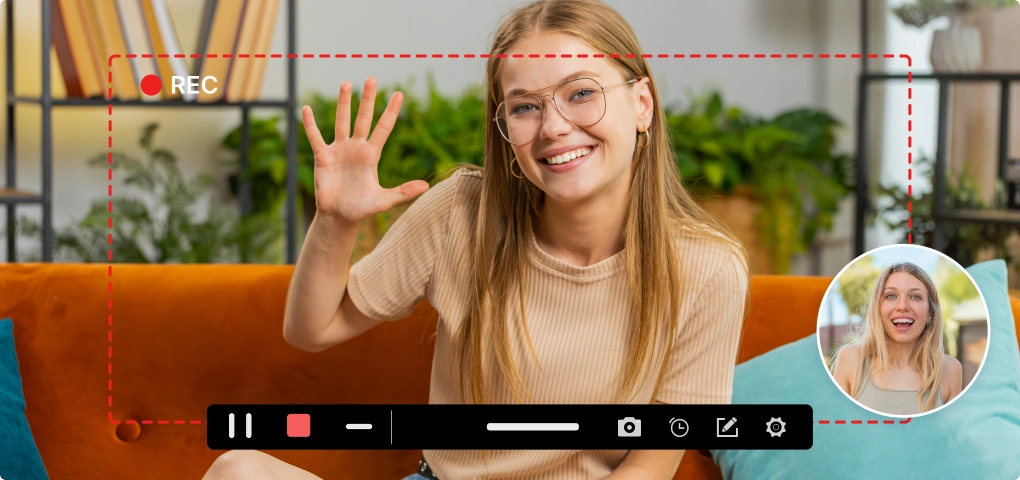
Capture webcam video for online classes, meetings, tutorials, and personal content creation.
System Audio & Microphone Recording
Record computer sound and microphone audio separately or together.
HD Screen Recording
Create smooth and high-quality recordings with clear video output.
Lightweight Performance
Optimized for stable recording without unnecessary complexity.
Easy Video Saving
Save recordings locally for editing, sharing, or playback anytime.
Recording Scenarios
Online Meetings
Record Zoom meetings, webinars, and online classes.
Tutorials & Training
Create educational videos and step-by-step guides.
Gameplay Recording
Capture gameplay highlights and walkthroughs.
Presentations
Record presentations and demonstrations for work or study.
Built for Windows & Mac
Compatible with both Intel and Apple Silicon devices.
How It Works
Choose your recording mode.
Select between full screen, specific window, or custom area to start.
Select screen area, webcam, or audio source.
Configure your inputs including system sound, microphone, and camera overlay.
Start recording and save your video.
One-click to begin. When finished, your video is saved automatically to your device.
Why Choose Acivra Screen Recorder
Easy to Use
Clean interface designed for beginners and everyday users.
Smooth Recording
Stable recording performance for daily tasks without frame drops.
Flexible Recording Modes
Capture screen, webcam, and audio based on your specific needs.
Reliable Experience
Designed for simple and efficient screen recording every time.
Download Acivra Screen Recorder
Try Acivra Screen Recorder for free and start recording in minutes.