HEIC
Converter
Convert HEIC photos to JPG, PNG, and other popular image formats quickly and easily on Windows & Mac.
Simple HEIC Conversion for Everyday Use
HEIC Converter helps you open, convert, and manage HEIC images from iPhone and other Apple devices without compatibility issues.

Key Features
Convert HEIC to JPG & PNG
Easily convert HEIC images into widely supported formats with one click.
Batch Conversion
Convert multiple HEIC photos at the same time to save your valuable time.
Preserve Image Quality
Maintain original image clarity and details during the conversion process.
Keep EXIF Metadata
Retain original date, location, and camera information whenever possible.
Fast & Lightweight
Smooth, stable, and easy to use even on older hardware configurations.
Try HEIC Converter for free
Convert your HEIC photos in minutes and solve compatibility issues forever.
Supported Formats
Input Formats
Output Formats
Why Choose Us
Simple Interface
Fast Conversion
High Compatibility
Reliable Experience
How It Works
Import your HEIC photos.
Drag and drop or browse files from your device directly into the studio.
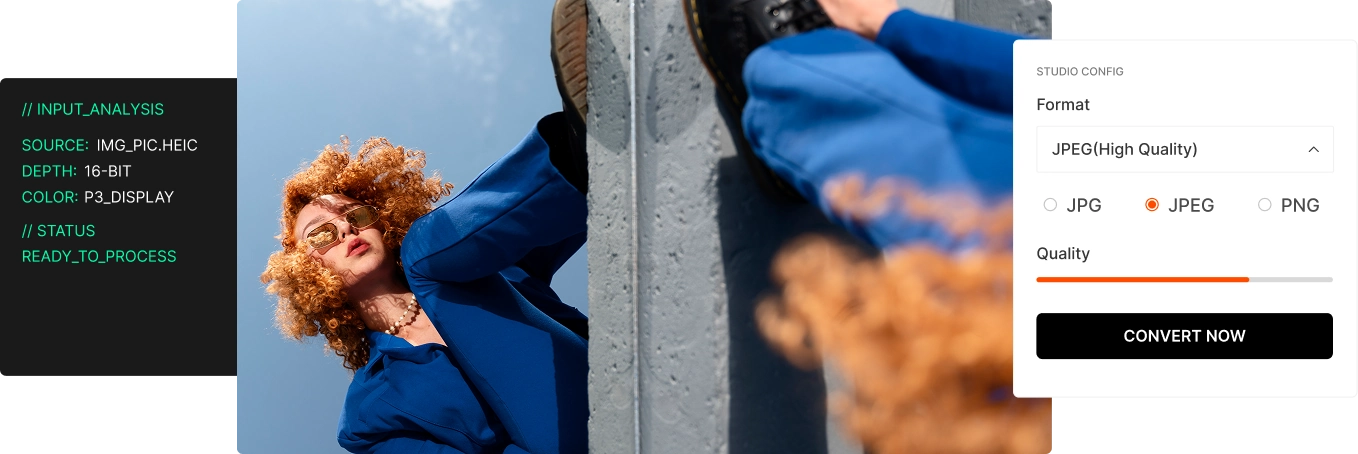
Choose JPG, JPEG, or PNG.
Select your preferred target format and adjust quality settings if needed.
Convert and save your files.
Hit the convert button and your new images will be ready in seconds.
Frequently Asked Questions
Can I convert HEIC to JPG?
Yes. HEIC Converter supports converting HEIC files to JPG with high fidelity.
Does it support batch conversion?
Yes. You can convert multiple HEIC images at once to streamline your workflow.
Is it available for Mac?
Yes. It supports both Windows and macOS platforms perfectly.
Is there a free trial?
Yes. You can download the free trial to test all features before buying.